
Images make up much of the weight of a website. The quality of the image, as well as many other unseen factors, add to this weight. Often times, this excess data can be removed in order to decrease image load times and generally make the website more search engine-friendly. This process of improving an image for web use is termed image optimization. Image optimization is extremely important because it enables users with different internet speeds to enjoy your site without becoming frustrated by unnecessarily slow download times.
To illustrate this process, the following image will be used as an example:
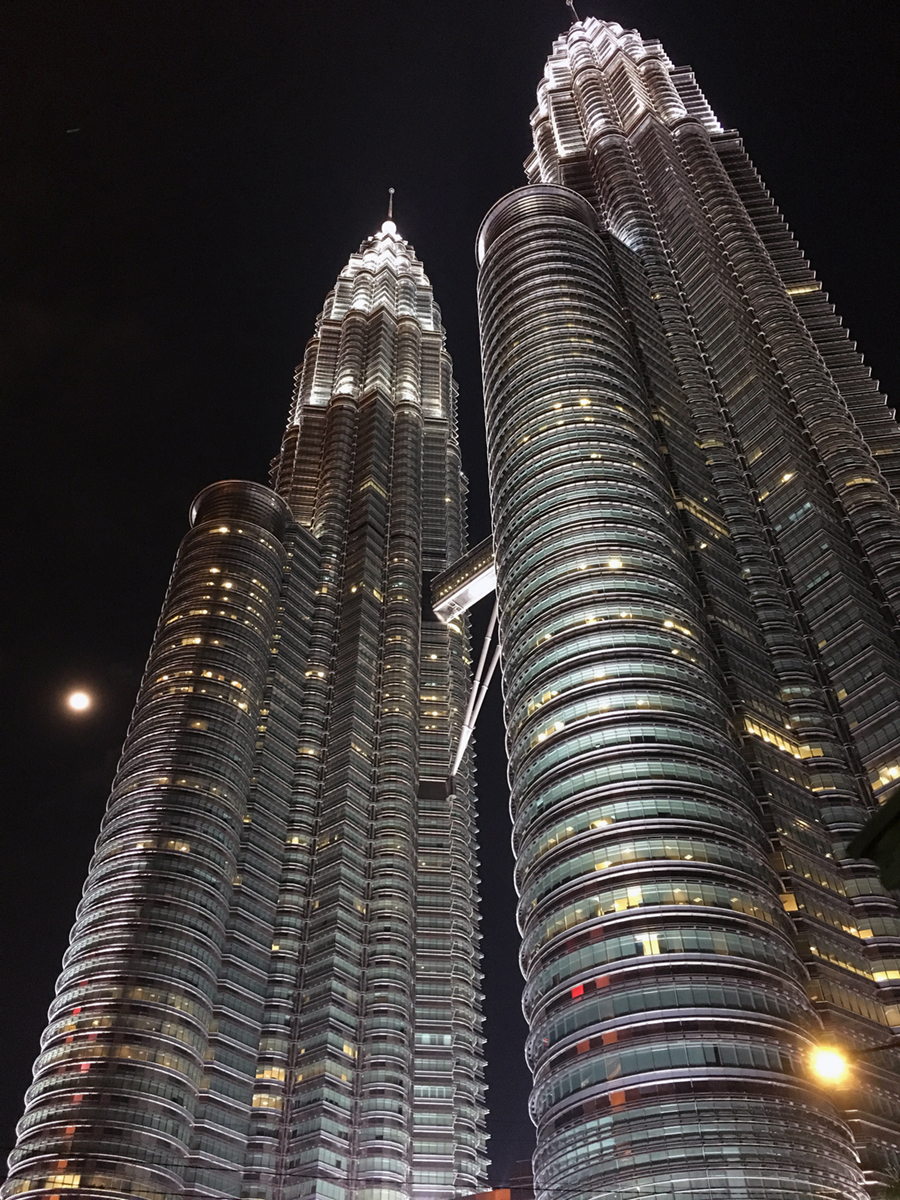
Byte-size: 3,090,000 bytes (3.09M)
Download time: 462s @ 56.6 Kbps
In order to reduce the image size while preserving much of the quality and the dimensions of the image, I first employed adobe photoshop’s “save for web” tool. In photoshop, I modified the image quality from 100% to 75% while keeping the same image dimensions. After this, I ran the file through an application called ImageOptim, which trims non-essential data from the file without changing the image quality. The resultant image, in my opinion, does not have quality degradation that can be perceived by the human eye when compared to the original. It is however a significantly smaller file, which results in a marked improvement in download time (almost 6.5 minutes faster @ 56.6 Kbps!). The optimized image and specs are provided below.
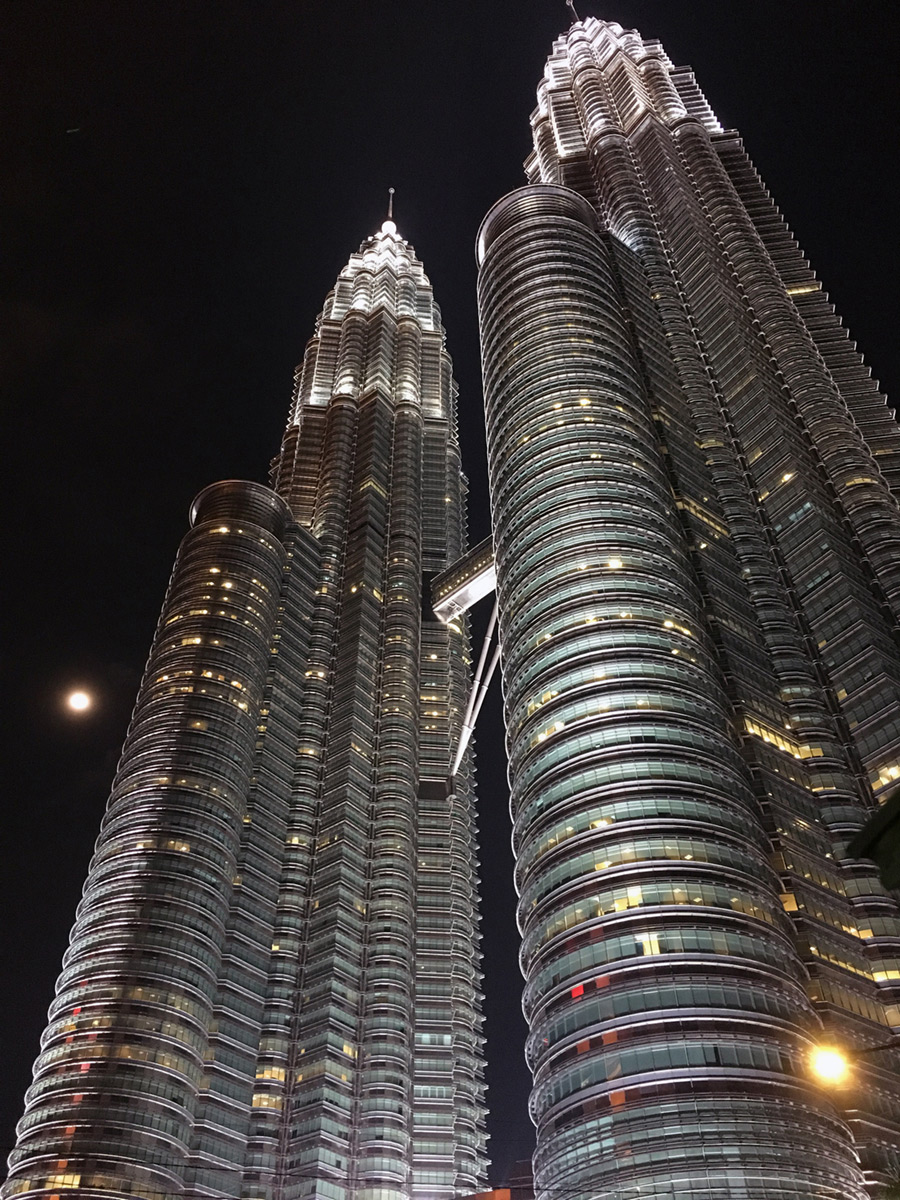
Byte-size: 416,402 bytes (0.42M)
Download time: 76s @ 56.6 Kbps
After exploring some basic optimization tools, I’ve learned that it is not too time consuming or tedious to optimize an image for the web. As a user of the web, I can appreciate how slow download times may affect the user experience or prevent users from sticking around to view a website in the first place. Image optimization is an easy step that we can all take in order to improve the web user’s experience.
 Bread & Bones